

Imagine this: Sarah, a 10-year-old who struggles with traditional classroom lessons, is introduced to Minecraft during her math class. At first, her parents are skeptical—how could a video game help with her learning? But within weeks, Sarah is building complex structures, solving problems, and collaborating with her classmates—all while improving her math and spatial reasoning skills.
Her teachers notice a boost in her confidence, and her parents are amazed by how engaged she is in learning. Sarah’s story is just one example of how Minecraft is making a real difference in educational settings, proving that learning doesn’t have to be boring or difficult.
My son's request to play Minecraft surprised me. I thought it was just another game. Watching him build and solve problems changed my mind. This blocky world had great potential for education. Minecraft seemed overwhelming at first. The open world and crafting recipes were daunting. Research helped me use Minecraft's educational power. I learned to set up proper parental controls too. Years of family Minecraft sessions taught me a lot. This guide will help you turn playtime into learning time.
Key Takeaways
- Minecraft offers various play modes suitable for different learning goals
- The game can be an excellent tool for teaching STEM concepts
- Online resources can enhance crafting skills and gameplay understanding
- Setting educational goals and rewards can maximize learning potential
- Balancing Minecraft play with other activities is crucial for holistic development
- Parental involvement and guidance are key to a safe, productive Minecraft experience
Understanding Minecraft's Educational Potential
Minecraft's blocky universe offers more than just entertainment. It's a powerful tool for learning in over 7,000 classrooms worldwide.
The versatility of Minecraft gameplay
Minecraft's open-world format allows for endless possibilities. Kids can build anything they imagine, from simple houses to complex cities.
This freedom nurtures creativity and problem-solving skills. Java and Bedrock versions share core principles of exploration and creation.
Benefits of Minecraft for learning
Game-based learning through Minecraft develops crucial skills:
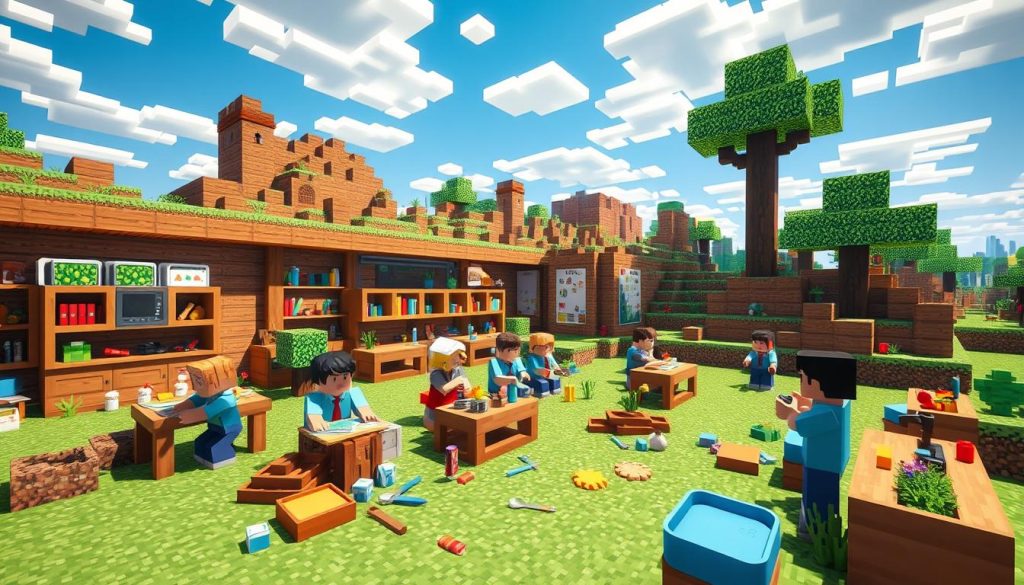
- Collaboration: Up to 30 players can work together in one world
- Problem-solving: Players overcome challenges and manage resources
- Creativity: The game's limitless world encourages imaginative building
- Communication: Chat functions improve written skills
Coder Sports uses Minecraft to teach Python programming. This integrates coding skills into gaming.
Different game modes and their educational value
Minecraft offers various modes, each with unique learning opportunities:
- Creative Mode: Ideal for art projects and historical reconstructions
- Survival Mode: Teaches resource management and planning
- Education Edition: Includes hundreds of ready-to-teach lessons across subjects
The Education Edition simplifies setup for all types of educators. It lets students tackle real-world topics through play.
This inspires critical thinking and collaboration in unique ways. Students learn while having fun in Minecraft's engaging world.
Setting Up a Safe and Productive Minecraft Environment
Creating a secure Minecraft space for kids is crucial. With millions of players, online safety is a top priority.
Let's explore how to set up a fun yet protected environment. Parental controls are key for managing playtime and access.
On consoles and Windows 10, you can control purchases and multiplayer access. Use privacy settings on accounts to protect children's information.

Digital literacy is vital too. Talk openly about online behavior with kids. Teach them to report or block inappropriate conduct.
- Set clear time limits for gameplay
- Use Adventure Mode for younger players
- Explore educational mods to enhance learning
Minecraft offers three main modes: Adventure, Creative, and Survival. Each mode has unique benefits for learning and creativity.
Choose the right mode and use safety tools. This creates an engaging and secure Minecraft experience.
"Minecraft isn't just a game, it's a canvas for creativity and learning. Our job as parents is to ensure it's a safe one."
Minecraft Parental Guide: Essential Tips for Parents
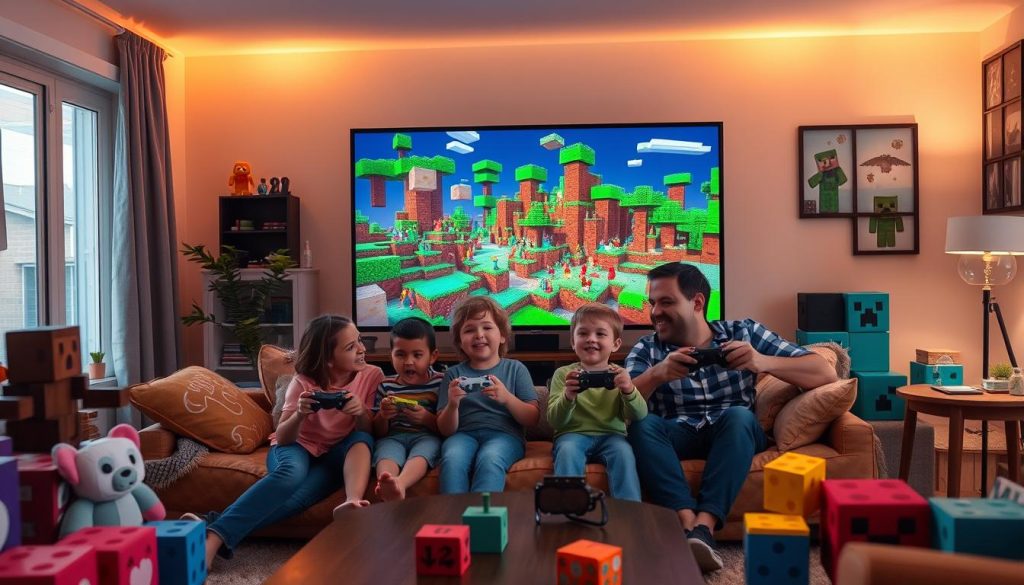
Family gaming in Minecraft can be fun and rewarding. Here are some tips to enjoy Minecraft adventures with your kids.
Choosing the Right Game Mode for Your Family
Minecraft has three main game modes: Creative, Survival, and Adventure. Creative mode is best for younger kids who like building freely.
Survival mode adds challenges and suits older children. Adventure mode works well for custom maps and storytelling.
Using Online Resources to Enhance Crafting Skills
A crafting guide helps new players learn the game. Online resources show how to make different items in Minecraft.
These guides teach game mechanics and boost creativity. Kids can learn while having fun.
Establishing a Routine for Minecraft Play
Good time management is key for Minecraft play. Set a schedule to balance fun and other activities.
Start with short game sessions. Slowly increase playtime as your child shows responsibility.
- Set clear time limits for Minecraft sessions
- Encourage breaks to prevent eye strain
- Balance Minecraft time with other activities
Minecraft can be educational too. Some schools use it to teach history and science.
These tips can help create a fun Minecraft experience for your family.
"Minecraft is not just a game, it's a creative tool that can teach problem-solving and teamwork."
Integrating Minecraft into Your Child's Learning Schedule
A virtual learning schedule with Minecraft can boost kids' education. It balances work and play, using the game to enhance learning.
Creating a Balanced Schedule
A well-structured day is key. I set specific Minecraft times to complement regular studies.
Since the pandemic, new players increased by 25%. Multiplayer sessions rose by 40%.
Setting Educational Goals and Rewards
Clear goals are vital in learning. Educational rewards work well with Minecraft.
Finishing math might earn extra Minecraft time. Over 7,000 classrooms use Minecraft worldwide!
Planning Post-Lesson Activities
After lessons, I plan Minecraft tasks that support learning. Kids might rebuild history or solve physics puzzles.
Minecraft Education Edition got two million downloads in its first year. It reached 115 countries!
- Use Minecraft to explore STEM concepts
- Recreate historical events or landmarks
- Practice math skills through building projects
Minecraft in learning builds creativity, teamwork, and critical thinking. It's fun and preps kids for real-world challenges.
Exploring STEM Concepts Through Minecraft
Minecraft is a powerful tool for STEM education. It brings engineering concepts to life for kids.
Children build structures and solve problems in this virtual world. They learn coding while having fun.
The game's building mechanics teach engineering principles. Kids learn about balance, stability, and resource management.
Redstone is an exciting part of Minecraft for STEM learning. It acts like electricity, letting players create circuits and machines.
"Minecraft: Education Edition provides opportunities for children to develop computational thinking skills through Code Builder."
Here are some ways Minecraft supports STEM education:
- Promotes critical thinking and problem-solving
- Encourages spatial reasoning through 3D building
- Introduces basic coding concepts
- Teaches resource management and planning
- Allows for collaborative learning and teamwork
Over 7,000 classrooms worldwide use Minecraft for learning. It helps kids understand science and math concepts.
Children have fun while reinforcing their STEM knowledge. Minecraft makes learning exciting and engaging.
Fostering Creativity and Problem-Solving Skills
Minecraft's open world sparks kids' imagination. It helps them develop essential skills through creative play.
Encouraging Open-Ended Building Projects
In Minecraft, kids can build anything they dream up. I love challenging them to create their ideal homes or cities.
These projects make kids think creatively. They also learn to solve tricky design problems.
Using Redstone to Teach Basic Engineering Concepts
Redstone circuits in Minecraft teach engineering ideas. Kids get excited making working elevators or automatic farms.
They grasp these concepts quickly through fun gameplay. It's amazing to watch their progress.
Organizing Family Building Challenges
Family challenges help everyone learn and bond. Try setting up weekly building contests.
One week, build a treehouse. The next, create a rollercoaster. These activities boost creativity and teamwork.
- Over 7,000 classrooms use Minecraft for education
- Players often research online to solve in-game problems
- Minecraft promotes reading and math skills
These activities help kids solve problems beyond the game. Minecraft offers a unique way to learn and grow.
"Minecraft isn't just a game, it's a canvas for creativity and a laboratory for young engineers."
Promoting Social Skills and Collaboration
Minecraft's multiplayer features help kids develop social skills. I've seen shy children become confident communicators through this game.
Kids learn to express ideas and listen to others while playing together.
Teamwork is key in many Minecraft activities. Kids often build towns or survive challenges together.
This gameplay teaches task division, resource sharing, and mutual support.
Players improve communication as they coordinate actions. They learn to give clear instructions and ask for help.
These skills are valuable in real-life situations too.
- Set up local area network (LAN) games for supervised play
- Encourage joint projects with siblings or friends
- Use Minecraft: Education Edition for structured collaborative learning
Minecraft enhances problem-solving and critical thinking. Kids face challenges together and brainstorm solutions.
This process improves teamwork and creative thinking.
"Minecraft: Education Edition promotes critical social-emotional skills like collaboration, empathy, and communication."
Multiplayer Minecraft helps kids develop crucial social and collaborative skills. These abilities will benefit them in future academic and work settings.
Monitoring Progress and Engagement in Minecraft Learning
Tracking your child's Minecraft-based learning progress is vital. It ensures they benefit from this educational tool.
Keeping tabs on virtual learning engagement helps address online education challenges.
Measuring Virtual Learning Engagement
I watch my child's interest levels in their Minecraft projects. We talk about what they're creating and learning.
Minecraft videos have been streamed over 1 trillion times on YouTube. This shows how popular and motivating Minecraft can be for learning.
Recognizing Signs of Struggle
Learning assessment in Minecraft can be tricky. I look for late assignments or poor time management.
While many parents worry about gaming time, Minecraft can be educational. It's all about using it the right way.
Communicating with Teachers
I stay in touch with my child's teachers about their Minecraft work. We discuss their performance and progress regularly.
Over 35 million teachers and students use Minecraft Education worldwide. This creates a big, supportive learning community.
- Discuss Minecraft projects regularly with your child
- Set clear goals and monitor completion of assignments
- Maintain open lines of communication with teachers
Stay involved and address challenges early. This helps children get the most from their Minecraft learning.
Conclusion
Minecraft is more than a game. It's a powerful tool for digital learning and education.
With 180 million copies sold, Minecraft captures players' imaginations worldwide. It offers entertainment and educational benefits for all ages.
Parents play a crucial role in maximizing learning. They can set up safe servers and use parental controls.
Balancing game time with other activities is important. This creates an ideal environment for children to thrive.
Minecraft's five modes cater to different age groups. Survival and Creative modes suit various learning styles and needs.
The game focuses on problem-solving and memorization. It even teaches coding through Java modifications.
We should guide children in using online resources responsibly. Encouraging collaboration with friends and family is also important.
By embracing Minecraft, we're building future skills. We're preparing our children for a digital world.
FAQ
What are the different game modes in Minecraft and their educational value?
Minecraft offers various game modes for different educational purposes. Creative mode fosters creativity and problem-solving skills without limits.
Peaceful survival mode teaches resource management and goal-setting. Survival mode with monsters adds strategy and risk management elements.
How can I ensure a safe and productive Minecraft environment for my child?
Set up parental controls on all educational technology. Establish open communication with your child and their teachers.
Choose appropriate game modes and use online resources to enhance crafting skills. Establish a routine for Minecraft play.
How can I integrate Minecraft into my child's learning schedule effectively?
Create a balanced schedule for work and play. Set educational goals and rewards to motivate progress.
Plan post-lesson activities in Minecraft to reinforce learning concepts. Consider virtual museum tours and STEM learning activities.
How can Minecraft help explore STEM concepts?
Minecraft's building mechanics introduce engineering principles. Redstone systems can be used to teach basic circuitry and logic.
Mining for resources at different depths introduces geological concepts. Encourage your child to engage with these elements.
How can Minecraft foster creativity and problem-solving skills?
Encourage open-ended building projects to stimulate imagination. Use Redstone systems to introduce basic engineering concepts.
Organize family building challenges to promote collaboration and creative thinking. These activities develop essential 21st-century skills.
Can Minecraft help develop social skills and collaboration?
Minecraft's multiplayer features help develop social skills and collaboration. Encourage your child to work on projects with friends or siblings.
This promotes teamwork, communication, and conflict resolution skills. Consider setting up LAN games for supervised multiplayer experiences.
How can I monitor my child's progress and engagement in Minecraft learning?
Measure virtual learning engagement through discussions with teachers. Observe your child's interest levels and recognize signs of struggle.
Maintain open communication with teachers about Minecraft-based assignments. Discuss your child's performance in these activities regularly.