

There’s something magical about watching a child’s creativity unfold, especially when it happens in unexpected ways. Picture this: your child, eyes bright with concentration, carefully placing each block in Minecraft to create a pixel art masterpiece. It’s more than just a game—it’s a canvas where their imagination can run wild, where colors and shapes become a language of expression.
You might remember the first time you picked up a crayon and let your imagination take over, creating worlds on paper. Now, through Minecraft pixel art, your child is experiencing that same thrill of creation, but with endless possibilities at their fingertips. This is where their ideas come to life, one pixel at a time, and where they discover that creativity has no limits.
Minecraft pixel art is an exciting trend in gaming. Players create amazing in-game artwork using Minecraft blocks. It's like building giant, pixelated 3D drawings in your favorite game. This art form offers a unique way to express yourself.
From simple designs to complex masterpieces, everyone can shine. You don't need to be a pro to start making cool art. Let's explore how to make awesome Minecraft pixel art. We'll cover everything from finding ideas to creating your designs. With some practice, you'll be making eye-catching art soon. Get ready to unleash your creativity in Minecraft!
Key Takeaways
- Minecraft pixel art is trending in the gaming community
- It offers artistic expression for all skill levels
- Popular subjects include characters like SpongeBob and Joker
- Useful tools include Scriptolab.com and Pixel Art Builder
- Planning and using creative mode are key to success
- New in-game paintings add inspiration for pixel artists
Introduction to Minecraft Pixel Art
Minecraft pixel art unlocks a world of creativity. Players turn blocky landscapes into stunning visual masterpieces.
This unique art form has become a community favorite. It's a great way to show off artistic skills in the game.
What is Minecraft Pixel Art?
Minecraft pixel art uses colored blocks to create images. It's like painting with blocks!
Players place blocks to form pictures when viewed from afar. This allows for detailed designs despite the game's blocky nature.

The Rise of Pixel Art in the Minecraft Community
There's growing interest in pixel art among players. Many share their creations online, inspiring others to try it too.
Tutorials and showcases are becoming more common. Some artists even create one piece daily!
Why Create Pixel Art in Minecraft?
Pixel art in Minecraft lets you express yourself freely. You can recreate favorite characters or add flair to your world.
It improves spatial awareness and color theory skills. Pixel art offers endless creative opportunities in Minecraft's blocky universe.
Pixel art allows me to bring my imagination to life in Minecraft, one block at a time.
Essential Tools and Materials for Minecraft Pixel Art
Minecraft offers many blocks for pixel art. Let's explore what you need to start creating!
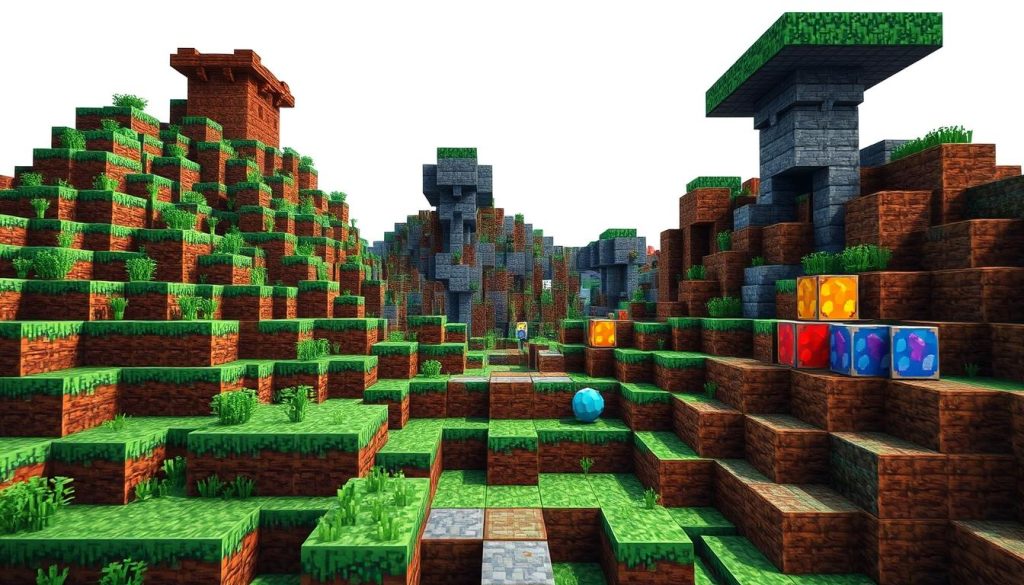
Wool, wood, concrete, stone, and terracotta are great for pixel art. These blocks come in various colors for diverse palettes.
A standard Minecraft block is 16x16 pixels. This allows for detailed designs in your artwork.
The smallest size is 1 block = 1 pixel. For bigger pieces, use 4 blocks for a 2x2 area.
- Wool: Offers a wide range of vibrant colors
- Concrete: Provides solid, uniform colors
- Terracotta: Great for earthy tones
- Wood: Adds natural textures to your art
- Stone: Perfect for grayscale designs
Creative mode is best for pixel art. It gives unlimited resources and flying ability.
Try different block combinations to find your perfect color palette.
"Pixel art in Minecraft is like painting with blocks. Each placement is a brushstroke, bringing your digital canvas to life."
Planning Your Pixel Art Project
Pixel art in Minecraft is a fun way to express creativity. It brings favorite characters to life in the game.
Planning is key to making awesome designs. Let's look at the steps for pixel art projects.
Choosing an Inspiration Image
First, pick an inspiration image. Popular themes include Star Wars, Pokemon, and Adventure Time characters.
I often use graph paper to sketch my ideas. Larger squares work for retro-style art. Smaller squares are better for detailed designs.
Breaking Down Images into Pixel Grids
Next, break down the image into a pixel grid. This step is crucial for pixel art design.
I use online tools like Piskel to draft designs. It makes the process smoother and faster.
For Minecraft, I prefer Creative mode. It gives me unlimited resources and flying ability.
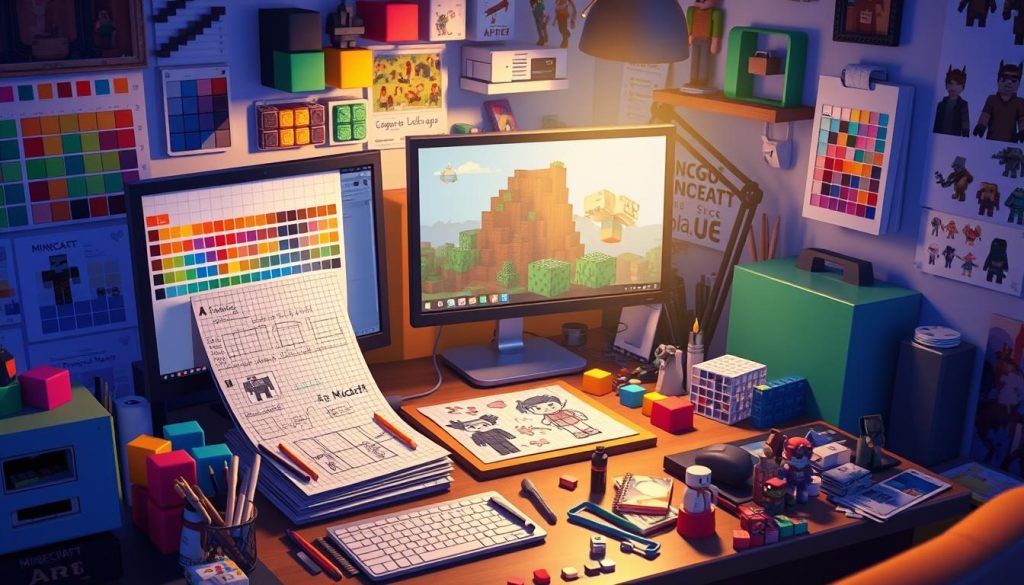
Color Selection and Block Mapping
Color mapping is the final step. I match the colors in my design to Minecraft blocks.
This can be tricky due to the game's limited palette. I often use websites like PixelArt.com for color ideas.
Once I've mapped out the colors, I'm ready to build!
Pixel art has become very popular in Minecraft, with players from all over the world taking on the challenge of creating both two-dimensional and three-dimensional structures of their favorite characters or superheroes in the game.
These planning steps help create stunning pixel art in Minecraft. Simple image conversion can lead to impressive in-game creations!
Step-by-Step Guide to Creating Minecraft Pixel Art
Pixel art in Minecraft is fun and creative. Let's explore how to make cool designs in the game.
Start by picking an image to recreate. Simple 8-bit or 16-bit game designs work well for beginners.
Split your image into a 16x16 grid. This matches Minecraft's block system perfectly.
Gather wool, concrete, and terracotta blocks. These have bright colors perfect for pixel art.
Creative Mode gives you unlimited access to these blocks. This makes building easier.
Now, start placing blocks! Begin with a solid base and build up.
I like to start from the bottom left corner. Follow your grid plan closely.
- Place blocks carefully, matching colors to your plan
- Step back often to check your progress
- Don't rush - patience is key in pixel art
Keep practicing to improve your skills. Each project will make you better.
Look for ideas from other Minecraft creators. The community has lots of cool art.
"Pixel art in Minecraft is like painting with blocks. Each placement is a brushstroke in your digital masterpiece."
Now you're ready to start your pixel art adventure. Have fun creating!
Advanced Techniques for Stunning Designs
Minecraft's simple blocks offer endless pixel art possibilities. Let's explore some advanced techniques to boost your designs.
Shading and Depth in Pixel Art
Shading adds life to your creations. I use different block shades for shadows and highlights.
This method brings depth to flat designs. Dark gray blocks work for shadows, light gray for highlights.
Creating 3D Effects with Blocks
3D effects can transform flat images into eye-catching structures. I stack blocks strategically to create a 3D illusion.
This technique works great for logos or character designs. It adds depth and interest to your art.
Incorporating Lighting and Shadows
Lighting is key in advanced pixel art. I place light sources near artwork to cast natural shadows.
This enhances the 3D effect and adds drama. For night scenes, glowstone or sea lanterns create soft glows.
These techniques help create stunning Minecraft designs. With practice, you'll bring your artistic visions to life.
Overcoming Common Challenges in Minecraft Pixel Art
Pixel art in Minecraft can be tricky. I've faced many issues while creating designs in the game.
Block texture variations and limited colors are common problems. These can challenge even skilled builders.
Let's look at some tips to help you overcome these hurdles.
Stone blocks come in different shades of gray. This can make detailed designs hard.
To fix this, view your art from far away. This helps you see the overall effect.
Minecraft's color options are limited. Sometimes, blocks don't match your inspiration image.
Try using block combinations to create new hues. Placing certain blocks together can trick the eye.
- Experiment with block textures
- Combine different blocks for new shades
- Focus on the overall effect
- Step back to assess your work
Pixel art in Minecraft is about being creative. Don't worry if your first tries aren't perfect.
With practice, you'll soon make amazing pixel art. Keep trying and have fun!
Showcasing Your Pixel Art: Screenshots and World Sharing
Minecraft's community is a hub of creativity. Let's explore how to capture and share your pixel art masterpieces.
Best Practices for Capturing Your Art
Great screenshots are key to showcasing your pixel art. Use the game's built-in screenshot function for quick captures.
For advanced shots, try third-party software. Choose the right in-game time and angle to make your art shine!
Platforms for Sharing Your Creations
The Minecraft community spans many art-sharing platforms. Reddit is popular for pixel artists to exchange ideas.
Twitter is perfect for quick shares and feedback. Pinterest serves as a great inspiration board for future projects.
Minecraft-specific sites offer more options. Submit your best work to FeatureMe@minecraft.net for a chance to be featured.
Engaging with other artists helps you improve. It also keeps you connected to this vibrant community.
- Share on social media platforms
- Join Minecraft art forums
- Participate in pixel art challenges
- Create a portfolio website
The Minecraft community loves seeing new, creative designs. Your pixel art could inspire others or catch Mojang developers' eyes!
Start sharing your creations today. Become part of the growing world of Minecraft artistry.
Inspiration from the Minecraft Pixel Art Community
The Minecraft pixel art community brims with creativity. I've seen amazing creations from simple mobs to hyper-realistic sketches.
These artists push the game's limits. They inspire others to explore their artistic talents.
Community pixel art often includes popular characters and famous artworks. Pokemon characters are a common trend in Minecraft art.
Pinterest has many tutorials for Pokemon pixel art. Over 10 different species are featured.
Pixel art sizes usually range from 16x16 to 30x30 blocks. Popular subjects include Charizard, Bulbasaur, and Eeveelutions.
Artists use shading techniques to add depth to their work. This makes the artwork more realistic.
Pinterest and kandipatterns.com are hubs for sharing creations. Artists showcase their work and inspire others here.
The community encourages growth and experimentation. It's supportive for both beginners and experienced artists.
"Pixel art in Minecraft is like painting with blocks. It's challenging, but the results are so rewarding!"
These community creations have given me new ideas. They've taught me techniques for my own projects.
The Minecraft pixel art community offers endless inspiration. You can recreate favorites or design something new.
Conclusion
Minecraft pixel art amazes me with its artistic potential. Players can turn blocks into stunning visual masterpieces.
Pixel art offers endless ways to show your imagination. From simple designs to complex portraits, the possibilities are vast.
This art form sharpens your eye for detail. It also boosts spatial awareness and problem-solving skills.
Your creations showcase patience and creativity. Colored wool, glass, and other blocks become your palette.
Tools like Schematica and Spritecraft make pixel art easier. These helpers welcome players of all skill levels.
The Minecraft community keeps pushing limits. They create retro game characters and modern Fortnite-inspired designs.
Try pixel art and let your vision shine. The blocky world of Minecraft awaits your creative touch.
FAQ
What is Minecraft pixel art?
Minecraft pixel art is in-game artwork made with blocks like wool and concrete. Players create images and scenes using the game's block-based system.
This art form has grown popular alongside traditional Minecraft builds. It results in a unique pixelated look.
What materials are commonly used for Minecraft pixel art?
Common materials include wool, wood, concrete, stone, and terracotta blocks. Players use both natural block colors and dyed or glazed variants.
How do I plan and prepare for creating Minecraft pixel art?
Start by choosing or designing an image. Break it into color sections and map them to Minecraft blocks.
Use graph paper or computer programs to overlay a grid. Consider Minecraft's color palette and block textures when planning your design.
What are the steps involved in creating Minecraft pixel art?
Begin with a foundation and build up and around it. Work section by section, referring to your planned grid.
Start in Creative mode for unlimited resources. The process includes choosing an image and obtaining resources.
How can I create depth and 3D effects in my Minecraft pixel art?
Use different shades of blocks to create shadows and highlights. Experiment with block placement to achieve three-dimensional looks.
Add lighting effects by placing light sources near your artwork. These techniques can make your pixel art more complex.
What are some common challenges in Minecraft pixel art?
Challenges include dealing with block texture variations and limited color options. Stone blocks have varying shades of gray, complicating detailed designs.
The game's color palette may not match your inspiration image perfectly. View your art from a distance to overcome these issues.
How can I showcase and share my Minecraft pixel art?
Take high-quality screenshots or share your world. Use Minecraft's screenshot function or third-party capture software.
Consider time of day and viewing angle when capturing your art. Share on Reddit, Twitter, and Pinterest for feedback.
Are there any notable examples of Minecraft pixel art I can draw inspiration from?
The Minecraft community has created amazing pixel art. Examples include pixelated versions of characters, famous artworks, and original designs.
Artists like Pandorum have made detailed pixel art. These creations can inspire your own unique style.